
Two reference models dominate networking education: the seven-layer OSI model and the four-layer TCP/IP model. Every networking textbook teaches OSI. Every actual network on the planet runs the TCP/IP stack. That gap confuses people who notice they spent a chapter on a session layer they will never configure and a presentation layer they can’t name an example of. This lesson is about why both models exist, what each layer means, and which one is actually useful when you’re troubleshooting at 2 a.m.
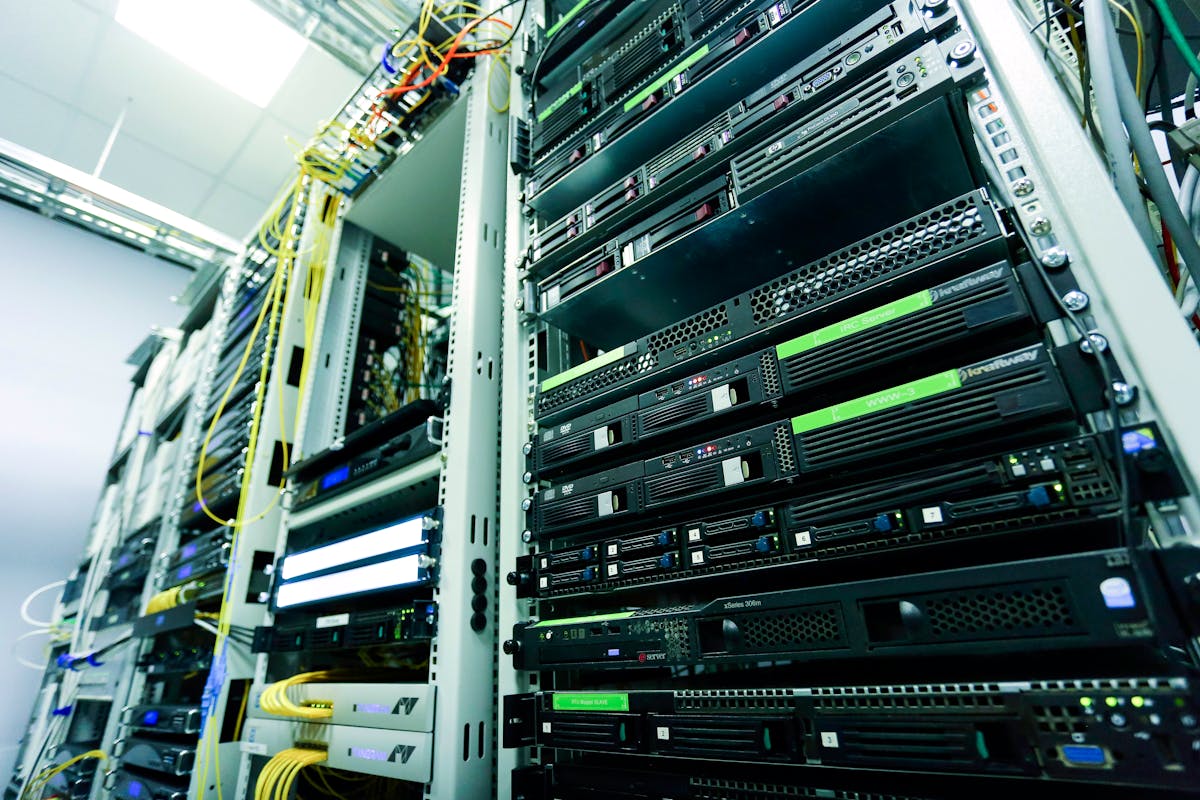
This is lesson 9 of Networking from Scratch. By now we’ve walked the entire stack already — cables (lesson 6), MAC and IP (lessons 4–5), TCP and UDP (lesson 7), DNS and HTTP (lesson 8). This article doesn’t add new technology; it organises everything you already know.
Why we have models at all
Networks are too complicated to design or reason about in one piece. Splitting the work into layers gives us three things:
- Decoupling. Each layer only has to talk to the layer immediately above and below it. As long as the interface stays the same, the implementation can change — you can swap copper for fiber without rewriting your TCP stack.
- Vocabulary. When two engineers say “the problem is at layer 3,” they’re saying something specific. The shared mental model lets people debug together without explaining first principles.
- Pedagogy. Layers give a teaching order. You can build a working understanding from the bottom up or the top down, with each new layer fitting cleanly on what you already know.
OSI and TCP/IP both do this, just with different numbers of boxes.
The OSI model: seven layers, in 30 seconds each
OSI — the Open Systems Interconnection model — was published as ISO/IEC 7498 in the early 1980s. It’s the model you’ll see in textbooks, certification exams, and vendor documentation. Reading top to bottom (the way packets are built by an application):
| Layer | Name | What lives here | Examples |
|---|---|---|---|
| L7 | Application | What the user-facing program speaks | HTTP, SMTP, DNS, SSH, FTP |
| L6 | Presentation | Format conversion, encoding, encryption | TLS, MIME, character encoding |
| L5 | Session | Long-lived conversations between endpoints | NetBIOS, RPC, some VPN setups |
| L4 | Transport | Reliable / unreliable end-to-end delivery | TCP, UDP, QUIC |
| L3 | Network | Routing packets between networks | IPv4, IPv6, ICMP, routing protocols |
| L2 | Data Link | Frames on a single physical segment | Ethernet, Wi-Fi, ARP, VLAN tagging |
| L1 | Physical | The actual signals on the medium | Cat 6, fiber, radio waves, voltages |
The mnemonics for remembering the order are infamous. Please Do Not Throw Sausage Pizza Away (top to bottom) and All People Seem To Need Data Processing (bottom to top) are the two you’ll most often hear. Pick whichever sticks.
Where each layer pulls its weight in real life
- L1 (Physical). When the link light is off or the link won’t come up, you’re here. We covered this in lesson 6.
- L2 (Data Link). When two devices on the same wire can’t see each other, when ARP isn’t resolving, when a switch is forwarding to the wrong port, when VLAN tags are stripped, you’re here. Lesson 4 and lesson 5.
- L3 (Network). When a host can ping its gateway but not the internet, when a route is missing, when a firewall is dropping based on source/destination IP, you’re here. Lesson 2 and lesson 3.
- L4 (Transport). When the host is reachable but a specific port refuses, when TCP connections are slow, when retransmits are eating your throughput, you’re here. Lesson 7.
- L5/L6 (Session/Presentation). Sometimes. The session and presentation layers are conceptually clean but rarely the answer when something’s broken — in modern stacks, TLS lives on top of TCP and the session layer is largely absorbed into application protocols. We’ll come back to this in a moment.
- L7 (Application). When the network plumbing is fine but the app is doing the wrong thing — sending the wrong HTTP method, missing an authentication header, malformed protocol — you’re here. Lesson 8 covers DNS at this layer.
The TCP/IP model: four layers, more honest
The TCP/IP model (formalised by IETF in RFC 1122) was developed alongside the actual internet. It’s less tidy than OSI but more accurate to what real systems do:
| Layer | What it covers | Examples | OSI equivalent |
|---|---|---|---|
| Application | Everything user-program-facing, including encoding and session state | HTTP, SMTP, DNS, SSH, TLS, FTP | L5 + L6 + L7 |
| Transport | End-to-end delivery | TCP, UDP, QUIC | L4 |
| Internet | Routing packets between networks | IPv4, IPv6, ICMP | L3 |
| Link (or “Network Access”) | Frames on the local medium plus the medium itself | Ethernet, Wi-Fi, ARP, the cable | L1 + L2 |
The two key collapses:
- OSI’s L1 and L2 become the TCP/IP Link layer. In practice, you almost never deal with the cable separately from the framing protocol that runs on it; combining them reflects how the work is actually organised.
- OSI’s L5, L6, and L7 become the TCP/IP Application layer. Real protocols don’t respect the OSI sublayers. TLS is sometimes called “layer 6,” but it depends on TCP (layer 4), runs in user space, and ships its own session-management bits. It’s easier to call all of that “application” and move on.
The mapping at a glance
OSI                   TCP/IP
---                   ------
L7 Application        \
L6 Presentation        --> Application
L5 Session            /

L4 Transport          --> Transport

L3 Network            --> Internet

L2 Data Link          \
                       --> Link
L1 Physical           /
If you’ve already understood the protocols, the mapping is straightforward: it’s the same stack, just chunked differently for different purposes.
So which one do I actually use?
The honest answer: both, at different times.
OSI’s strength is precision. When you’re reading a security advisory that says “this is an L7 vulnerability,” or you’re configuring a load balancer with a layer-3 forwarding mode and a layer-7 forwarding mode, the seven-layer numbering is the shared vocabulary. “A layer 3 firewall” vs “a layer 7 firewall” is a meaningful distinction (the latter parses HTTP, the former just looks at IPs and ports).
TCP/IP’s strength is honesty. When you’re actually thinking about how a packet is built and forwarded, four layers matches the real protocol stack better than seven. There’s no separate “session” or “presentation” layer in the wire-level reality of HTTP+TLS+TCP+IP+Ethernet; trying to pin those onto OSI just produces ambiguity.
In practice, most engineers think in TCP/IP and talk in OSI numbers. They’ll say “this is a layer 3 problem” (using OSI’s numbering) when they mean “this is in the IP layer” (TCP/IP’s naming). That’s fine — both communicate. Pick whichever model is the most precise for the conversation you’re in.
Encapsulation: the model in action
The most useful thing the layered model gives you is a clean picture of what a packet actually is on the wire.
Imagine sending an HTTP request. As the data falls down the stack on the sending side, each layer wraps the previous layer’s output in its own envelope:
Application:   GET / HTTP/1.1
                   Host: infotechninja.com

(TLS wraps it)
                   [encrypted blob]

Transport:     [TCP header | encrypted blob]

Internet:      [IP header | TCP header | encrypted blob]

Link:          [Ethernet header | IP header | TCP header | encrypted blob | Ethernet trailer]
That last line — the framed thing with all four headers stacked — is what physically rides the wire. On the receiving side, each layer unwraps its own header, processes its part, and hands the rest up to the next layer. The application reads HTTP and never has to know about the IP and Ethernet headers wrapping it.
Every troubleshooting tool you’ll use is layer-specific. ping works at L3 (ICMP). tracert works at L3. telnet host port tests L4. curl tests L7. Wireshark shows you all of them simultaneously, with collapsible per-layer headers. Once the stack is in your head, those tools stop being random commands and become “here’s a thing for testing layer N.”
Layer-by-layer troubleshooting
One of the highest-leverage uses of the model is as a checklist. When something is broken, walk the stack from the bottom up and ask “is this layer working?” The first layer that fails is the one you fix.
| Layer | Question | Tool |
|---|---|---|
| L1 / Physical | Is the cable in? Is the link light on? | Eyeballs, switch port stats |
| L2 / Data Link | Are MAC addresses being learned? Is the right VLAN tagged? | arp -a, switch CAM table, port-config |
| L3 / Network | Can I reach the gateway? Can the gateway reach the destination? | ping, tracert / traceroute, ip route |
| L4 / Transport | Is the destination port open? Is TCP connecting? | telnet host port, nc -zv, port scanners |
| L7 / Application | Is the app talking the right protocol? Is auth right? | curl -v, browser dev tools, app logs |
Resist the urge to skip levels. Plenty of “the website is down” tickets turn out to be a yanked-out cable; plenty of “the firewall is broken” tickets turn out to be DNS. Walking the stack catches things in the right order.
The unofficial “layer 8”
Networking culture has a long-running joke that there are really eight layers, with the eighth being the user (or, in some tellings, politics, finance, or organisational dysfunction). It’s a joke until you’ve worked a P1 incident where the actual problem turned out to be “someone changed the password and forgot to tell anyone.” That’s a layer-8 issue. The protocols all work; the people did not.
Take the joke seriously enough to check the human side when the technical layers all look healthy and something’s still wrong.
What you can now answer
- Why does OSI have seven layers and TCP/IP only have four? — OSI was designed to be a clean, complete academic model; TCP/IP was designed to describe what was actually being built.
- Which model do real engineers use? — Both, depending on context. They think in TCP/IP and name in OSI numbers.
- Why are L5 and L6 weird? — They’re cleanly defined in OSI but have no clean counterparts in real protocols. TLS, RPC, and similar tech blur the lines.
- What does “layer 7 firewall” mean? — A firewall that parses the application protocol (HTTP, DNS, SQL) and makes decisions on its contents, not just on IP and port.
- How do I use the model in practice? — As a debugging checklist. Walk from the physical wire up; the first failing layer is the bug.
What’s next
That’s the foundation phase of the pathway done — addressing, subnetting, host bootstrap, switching/routing, physical layer, transport, DNS, and the reference models. The next lessons move into infrastructure-shape topics: what’s actually inside a network (firewalls, load balancers, IDS/IPS, ISPs and the global internet hierarchy), cloud networking 101, and security fundamentals (the kill chain you saw briefly in the BEC article, mapped back to the protocols you now know).